



Elements Desktop
Elements as a native app for macOS and Windows. Your projects live on your machine, with their files, previews and builds close at hand, and EvaEsi beside you from the first idea to the deploy.
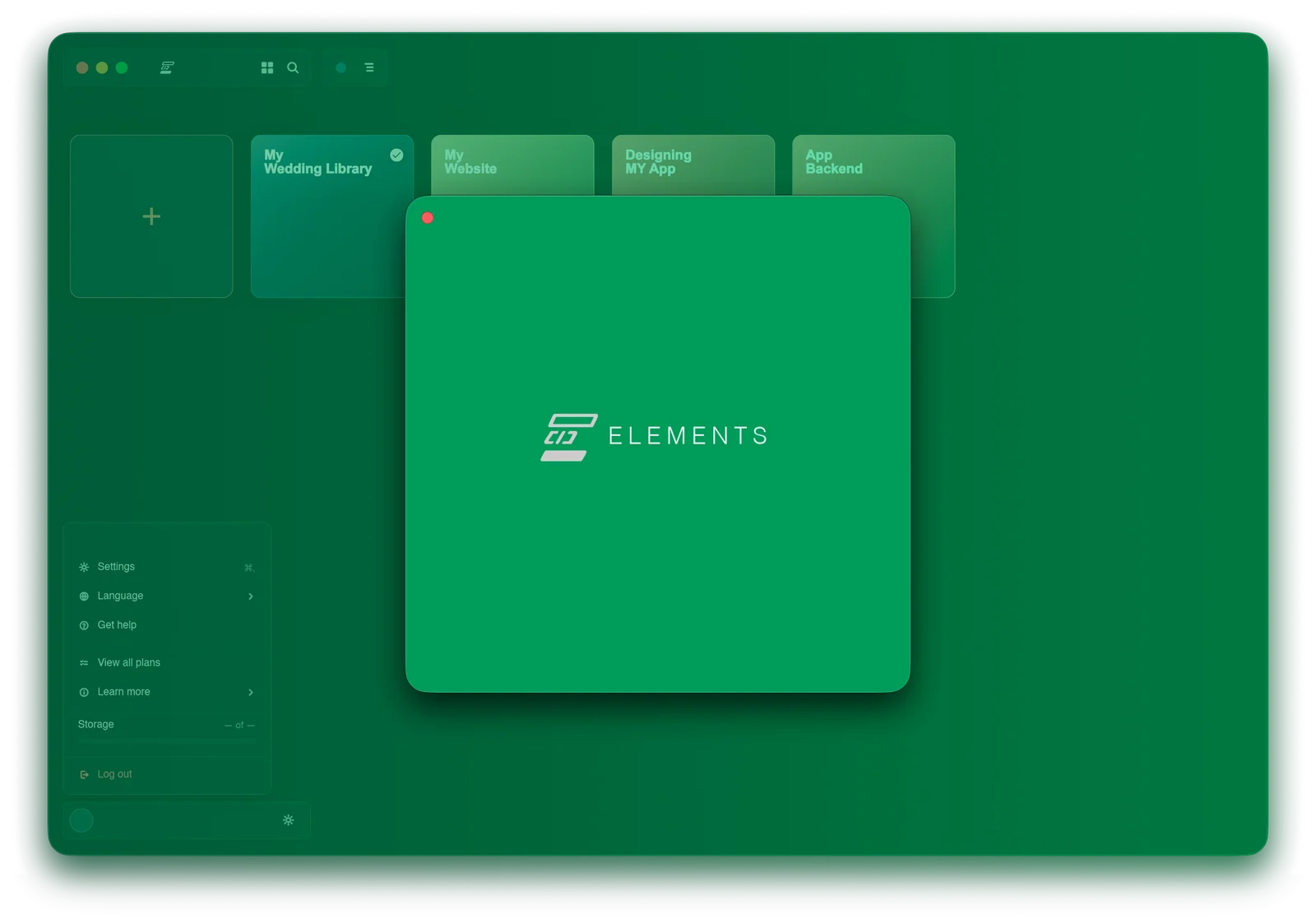
One window for a project on your own machine, from the idea to the address people visit.
Create. Think. Interact. Build. Deploy.
Every stage, one start screen.
Open Elements and choose where to begin. Each stage hands its work to the next, so nothing is copied between tools and nothing is explained twice.
Create
Start a project from an idea, a sketch or a folder you already have.
Think
Talk it through before a line is written: the pages, the data, the look.
Interact
Click through the preview as it takes shape and point at what should change.
Build
EvaEsi writes and edits the code, and shows every change before you keep it.
Deploy
Put it online from the same window when it is ready.
Your projects, wherever you are.
Scroll to explore every card. Use the left and right arrow keys, Home or End when the row is focused.
On your machine
Projects are folders on your computer, so your own tools can open them too.
Elements Bridge
Bring a project into EvaEsi Online and carry on in the browser.
Elements Remote
Follow a project from your phone: the preview, the changes and what happens next.
Give your idea somewhere to grow.
Elements Desktop signs in with your EvaEsi account, so your plan, your projects and your effort levels come with it.